

We encourage you to connect your LinkedIn account to LinkedIn Learning, so you’ll have a richer learning experience powered by the data and insights of the LinkedIn network.
Once you receive to your acg.edu email the LinkedIn invitation, please perform one the following steps:
Option I – I already have a LinkedIn account and I want to connect it to LinkedIn Learning
- Open an Internet browser and navigate to https://linkedin.acg.edu. Enter your ACG Network username and password.
- Alumni granted access to the service, please use the invitation email you have received and continue with the rest of the instructions.
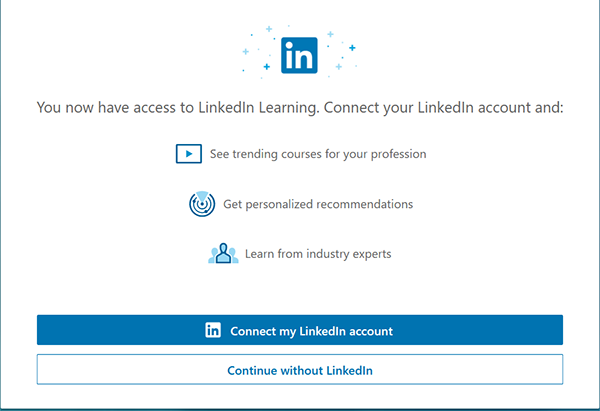
- Next, you will be prompted to connect your LinkedIn account.
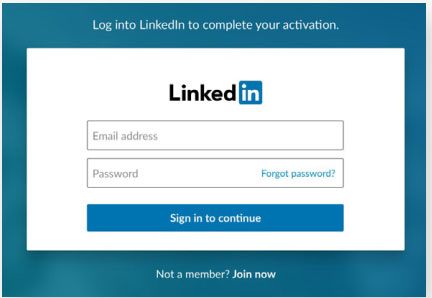
- If you haven’t signed into LinkedIn recently, you may be asked to sign in here, otherwise, you’ll skip this step.
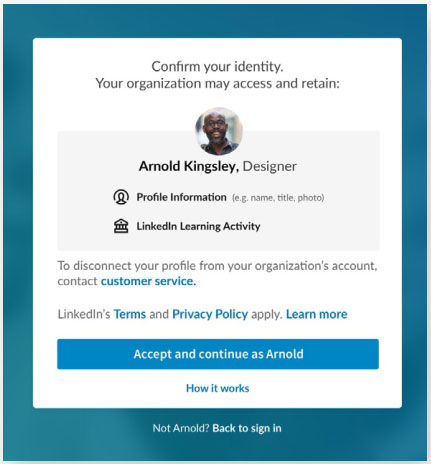
- Confirm your identity and review our terms and privacy policy.
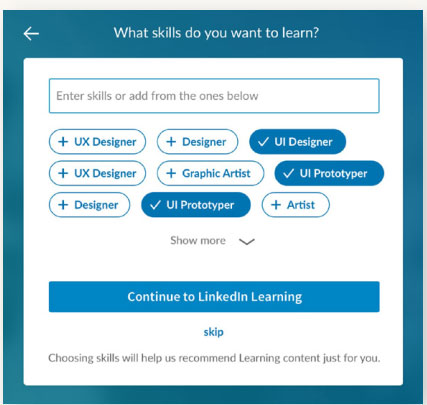
- You can personalize content recommendations by choosing skills you’d like to learn.
- Start learning. You can now access LinkedIn Learning from your LinkedIn account.
Option II – I do not have a LinkedIn account or I do not want to connect LinkedIn Learning with LinkedIn
- Open an Internet browser and navigate to https://linkedin.acg.edu. Enter your ACG Network username and password.
- Alumni granted access to the service, please use the invitation email you have received and continue with the rest of the instructions.
- Continue without connecting your LinkedIn account.
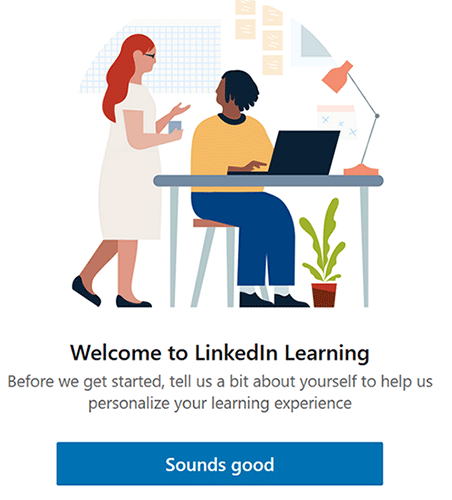
- Click on the “Sounds good” link in order to continue personalizing your learning experience.
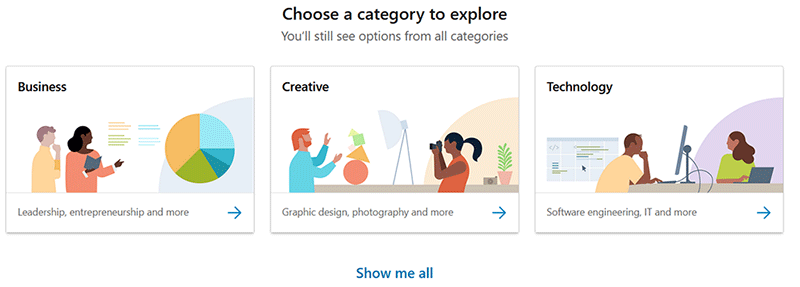
- From the next screen, enter the learning category that you wish to explore. You may change this any time you prefer.
- Choose the skills that you prefer so LinkedIn Learning can recommend popular courses. Also, you can set a weekly training goal.
- Start learning. You can now access LinkedIn Learning.
